Create at the Speed of Thought
All-in-one AI Video & Image Generator
Explore What You Can Create
Pick a mode. Pick a model. See it come to life.
Bring photos to life
Turn any image into a dynamic 5–15s video. Add motion, camera moves, and ambience — no editing skills needed.


Example previews via Google Veo & Flux Pro official showcases. imgvex.AI provides unified access to 20+ models.
Models
Kling 2.0
Video • 1080p • 10s
Runway Gen-4
Video • 1080p • 16s
Pika 2.0
Video • 720p • 3s
Luma Dream Machine
Video • 1080p • 5s
Stable Video
Video • 720p • 4s
Midjourney v7
Image • 2048px
Flux Pro
Image • 2048px
DALL-E 4
Image • 1024px
Why Choose imgvex.AI
imgvex.AI integrates leading generative models like Veo 3, Sora 2, Kling, Runway, Midjourney, and Flux to empower creators with a unified platform for both video and image. Whether you're crafting cinematic shorts or product visuals, our advanced workflow helps bring creative ideas to life — faster and better.
Unified Console for Video & Image
From quick promos to cinematic shorts, imgvex.AI gives you a complete generation toolkit. No platform switching, no juggling credentials.
Powered by Leading AI Models
Access Veo 3, Sora 2, Kling, Runway, Midjourney, Flux and 15+ others — seamlessly integrated for maximum creative flexibility.
Effortless Text-to-Content Workflows
Turn prompts into professional content. AI-enhanced prompting, smart defaults, one-click model switching, batch queues.
Built for Modern Creative Workflows
Whether you're creating ads, social shorts, e-commerce visuals or storytelling — imgvex.AI adapts to your goals.
Create with imgvex.AI in Easy Steps
No editing skills needed — just pick, type, and generate using AI video and image tools.

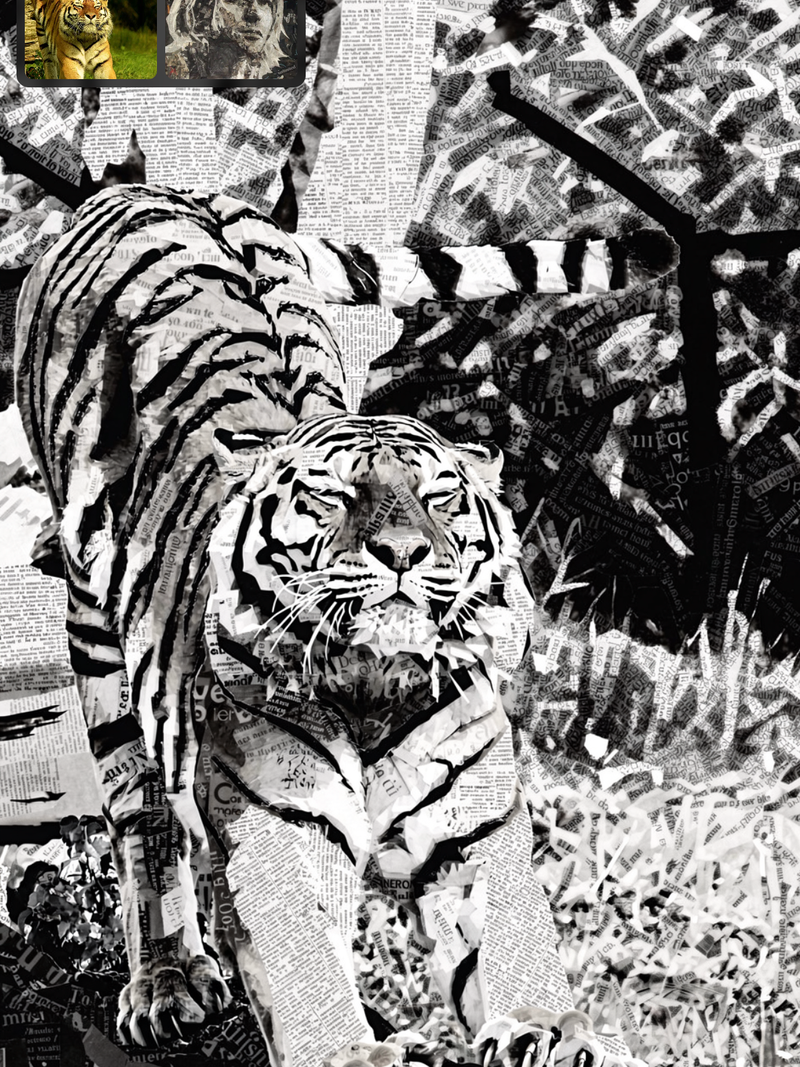
Select the Appropriate Model
Choose a model that best fits your creative needs — from cinematic Veo 3 to viral-ready Kling.
Enter a Prompt or Use AI Assistance
Write a prompt or upload an image. Use Generate With AI to turn simple keywords into a full prompt.
Choose the Right Parameter Settings
Adjust aspect ratio, resolution, duration — or use the Auto preset for instant defaults.
Click Generate and Wait for Your Creations
Hit Generate and let AI do the work. Images take seconds; videos may take a few minutes.